ACTCAD BLOG
Quick guide to choose best-cad-Software
Explore ActCAD, a powerful CAD software for 2D drafting & 3D modeling. Supports DWG, DXF, PDF, and more with advanced tools, features, and lifetime licenses.
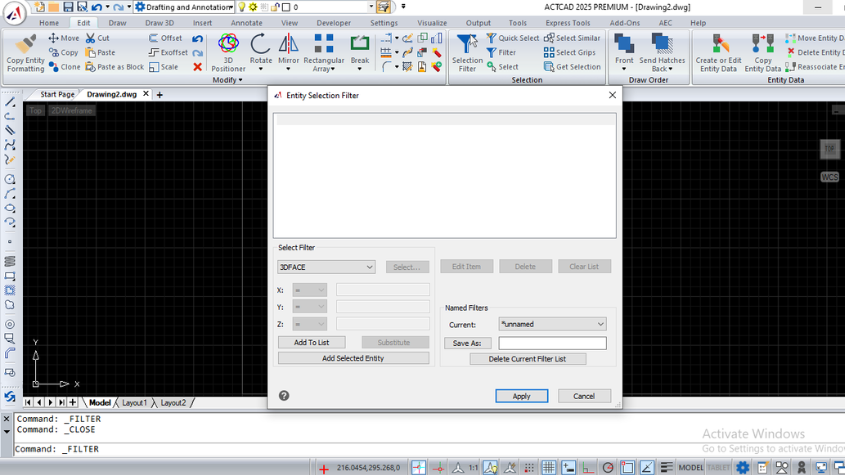
Working with Selection Filters in ActCAD Software
Master the ACTCAD Selection Filter to create custom entity selection sets using logical operators and save filters for efficient reuse in drawings.
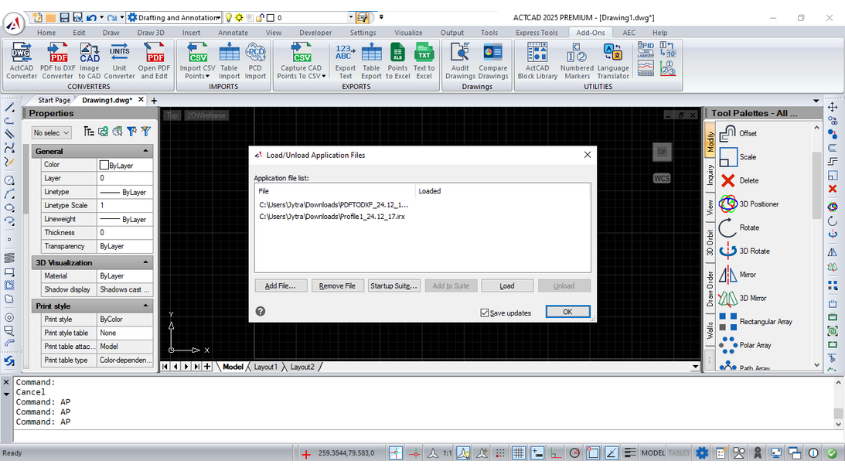
How to Load LISP Programs in ActCAD Software
Learn how to load and run LISP routines in ACTCAD. Use LISP for automation, compatibility with AutoCAD scripts, and enhanced drawing productivity.
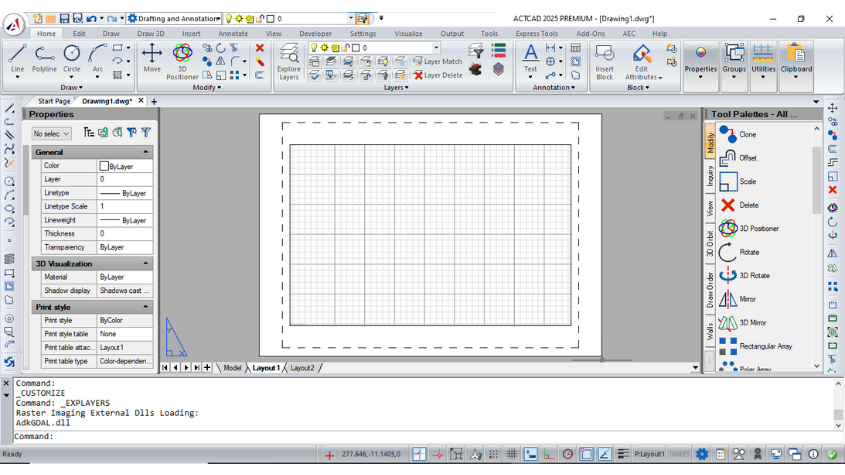
Have you tried LAYOUT in ActCAD Software
Master layouts in ACTCAD: create, copy, delete, and rename layouts for organized printing. Customize views, scales, and templates for professional results.
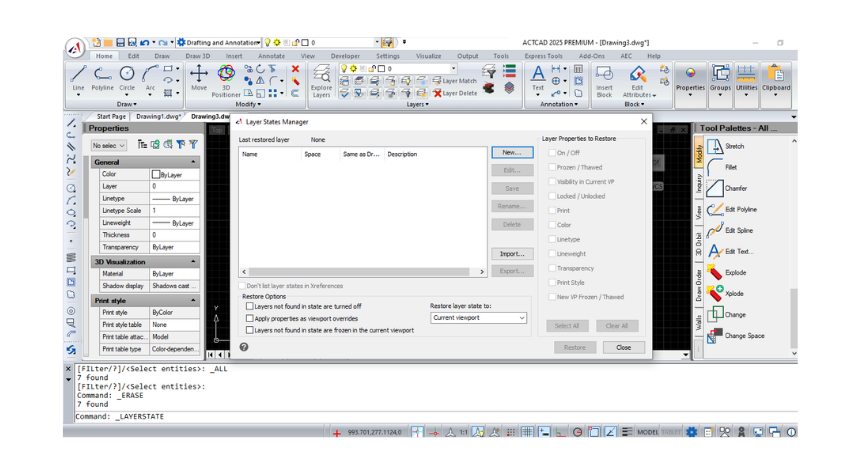
Working with Layers in ActCAD Software
Use layers to control visibility, properties, and access in ACTCAD. Lock, freeze, thaw, and customize layers to organize and optimize your drawings.
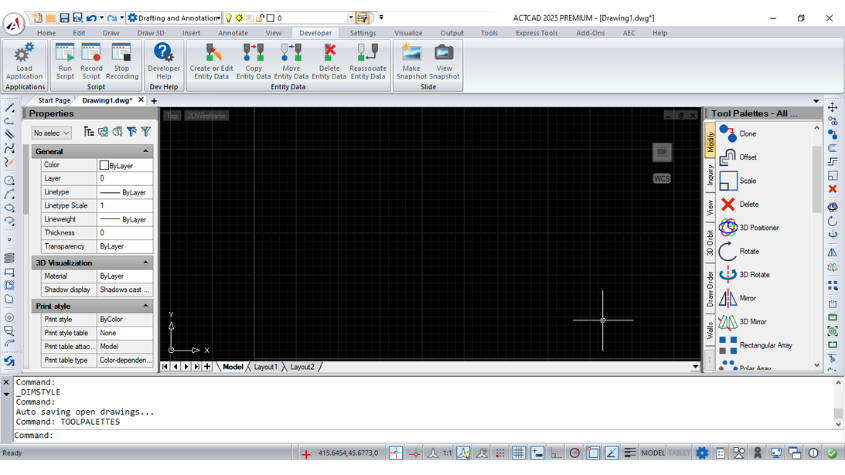
Do you know how to customize Tool Palettes in ActCAD
Customize and organize tool palettes in ACTCAD to access blocks, hatch patterns, and commands efficiently. Export, import, and group palettes for flexibility.
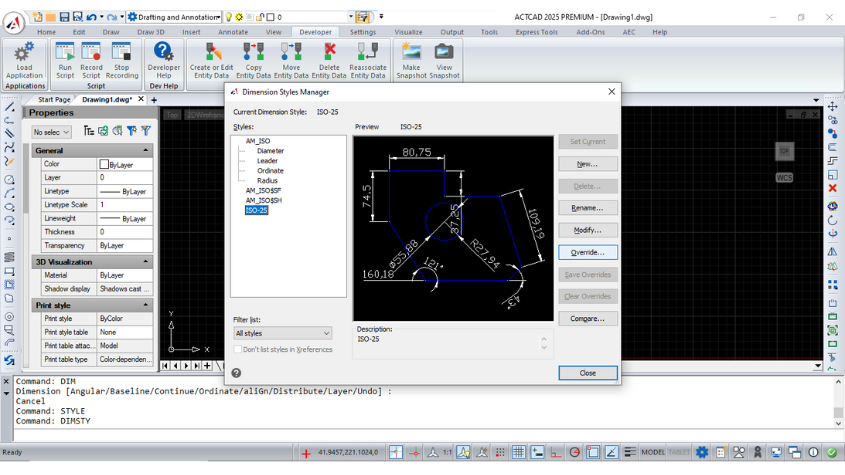
How To Override Dimensions in ActCAD Software
Learn how to override dimension styles in ACTCAD. Customize dimension lines, symbols, text, and more for precise control over your drawings.

Best CAD Software
ActCAD 2024 is a cost-effective CAD software for 2D drafting and 3D modeling, offering DWG/DXF compatibility, perpetual licenses, and built-in converters.
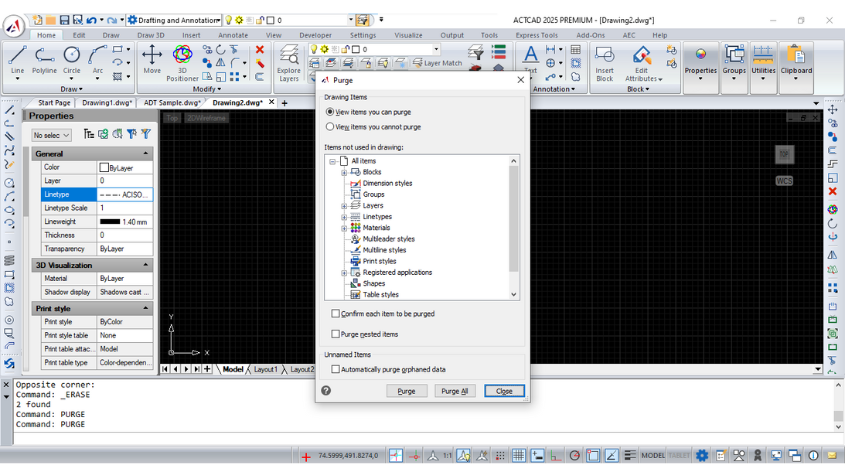
How To Use PURGE RECOVER Commands in ActCAD?
Learn to recover, audit, and purge drawings efficiently in ActCAD. Backup, autosave, and restore damaged files while optimizing performance with the purge tool.