ACTCAD BLOG
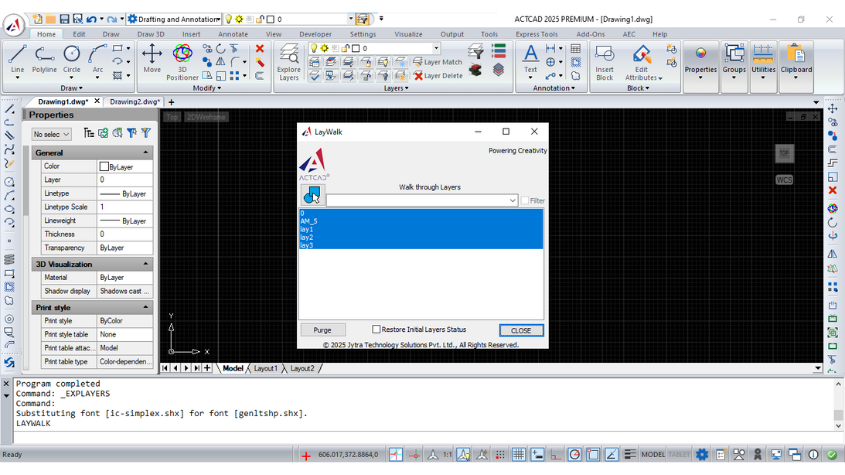
Laywalk Feature in ActCAD
Discover ACTCAD's Laywalk feature to manage CAD layers effectively. Display selected layers, filter lists, and purge unreferenced layers with ease.
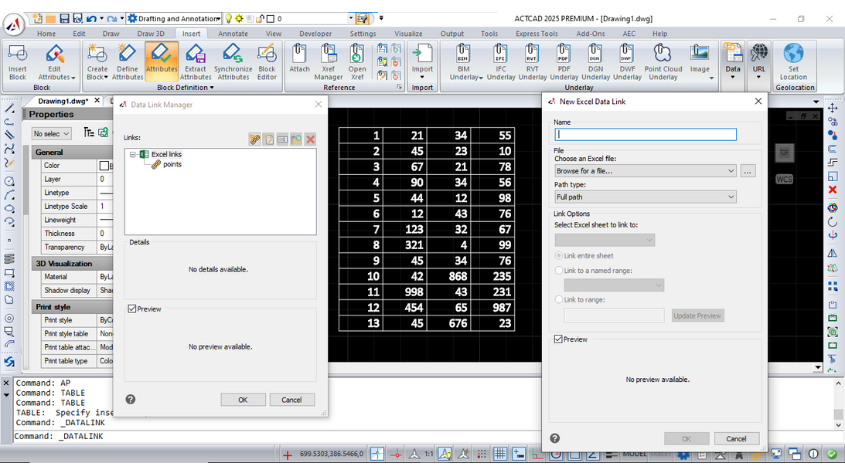
Working with Datalinks In ActCAD
Learn how to use Datalink in CAD software to integrate Microsoft Excel data into your drawings, manage updates, and streamline data handling with ease.
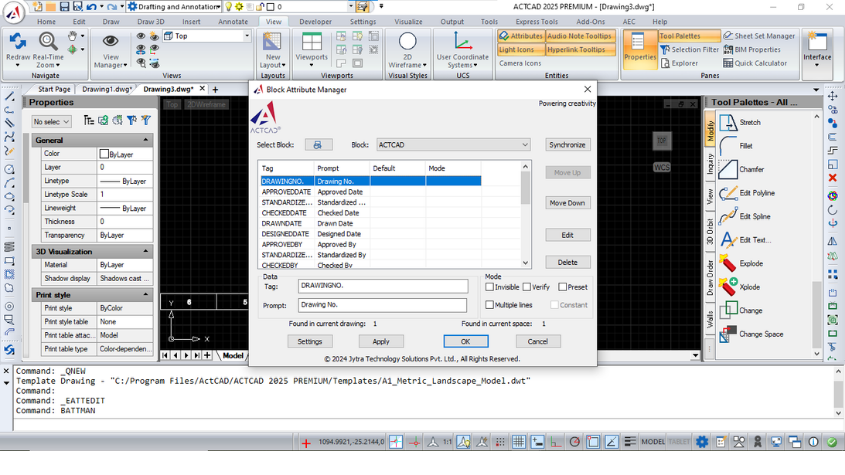
THE POWERFUL GATTE AND BATTMAN COMMANDS
Learn to use GATTE and BATTMAN commands in ACTCAD for global attribute management and block attribute editing, ensuring efficient CAD design workflows.
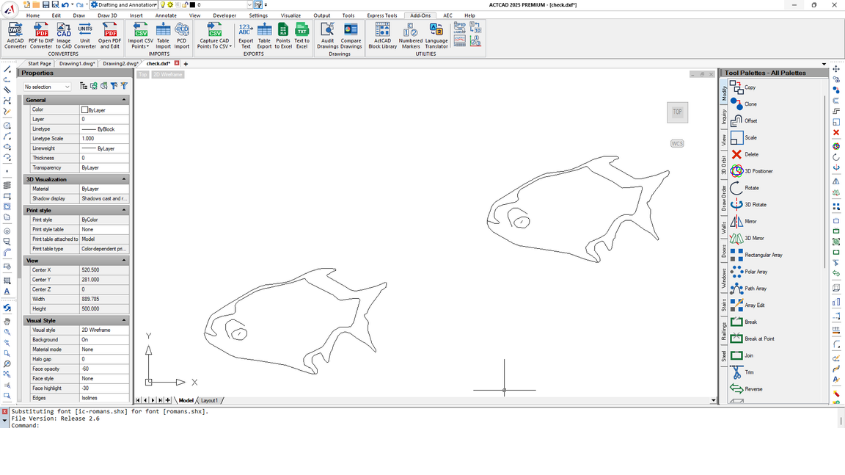
Raster To Vector Converter
Convert raster images to vector files seamlessly with ACTCAD's Raster to Vector Converter. Save in DXF or other formats for accurate CAD designs.
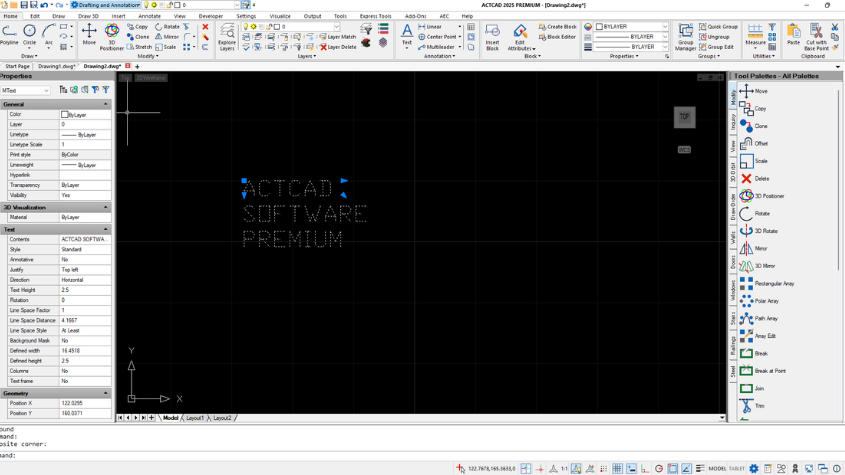
Using TextMerge and TextAlign
Learn how to use TEXTMERGE and TEXTALIGN in ACTCAD to combine text objects and align them based on specified points for better organization and readability.
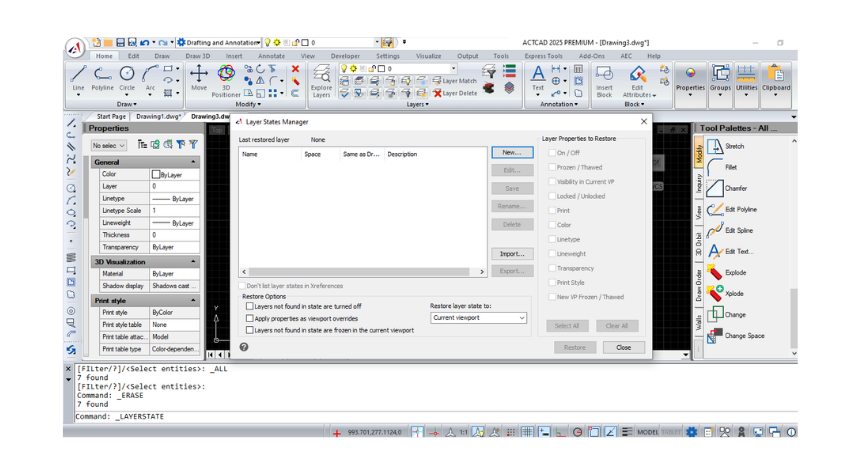
Working with Layer States Manager
Learn how to manage layer states in CAD using the Layer States Manager, including options to create, edit, import and export
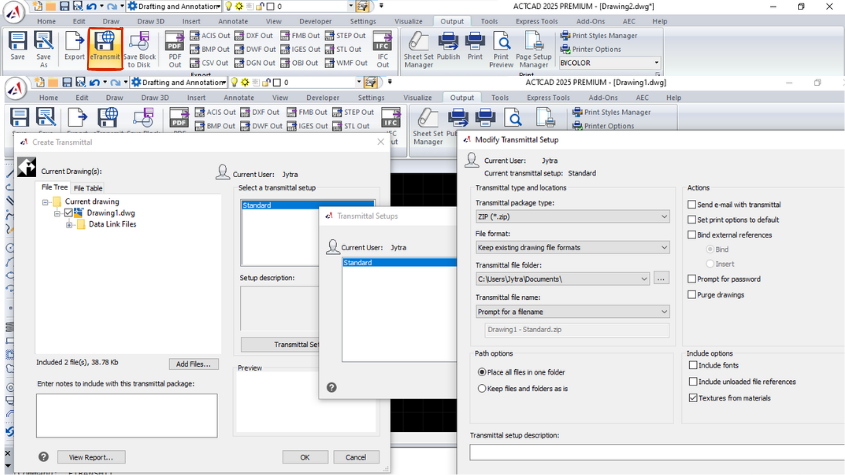
Share your files with eTransmit in different file formats
Learn about the eTransmit command in CAD software for packaging and transferring related files, including external references, fonts, and more.
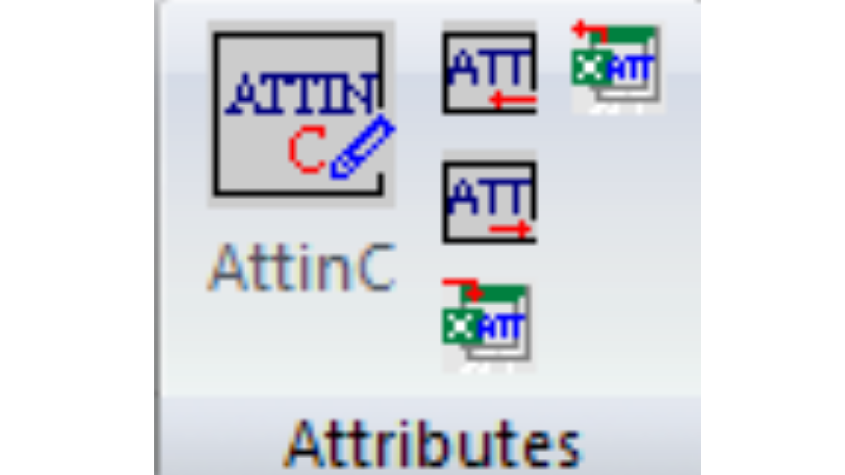
Efficient Attribute Editing Commands
Learn about ACTCAD's powerful attribute commands like ATTOUT, ATTIN, and ATTINC for exporting, importing, and managing block attributes to streamline workflows.
The Last 5 Releases of InteliiCAD
Explore the latest IntelliCAD releases, from enhanced graphics to faster performance and new features. Learn about the steady growth of IntelliCAD with ACTCAD.